
The most essential extensions for Google Chrome. A selection of useful extensions for Google Chrome
Content
VeePN VPN
The extension ranks as one of the best free Chrome VPN extensions in 2020.
With VeePN, a user can quickly and safely search for information on the Internet thanks to 2500+ servers located in 50 locations. Compared to other free extensions, VeePN has no bandwidth or traffic limits. The extension has already been installed by more than 80 thousand users.
You can install the extension in one click and enjoy the Internet with increased security.
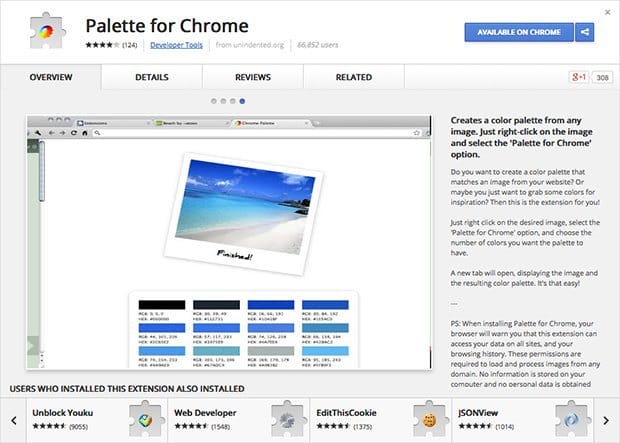
Palette for Chrome
The extension composes color palettes from images of interest – from 8 to 64 colors with RGB coordinates.
Google Keep
Application for storing notes, ideas, necessary information. Highlight notes with the desired color and share notes with friends and colleagues, set reminders, create a voice note or add hashtags.
Diigo Web Collector
Neon highlighter for the browser. Diigo collects all the marked text on the user's page, along with links to the texts, so it can be used as a bookmarking service as well. Annotations and Google searches also work.
Adblock Plus
One of the most popular ad blockers that allows you to automatically block pop-ups with banners, annoying flash ads, and hide any unwanted website elements.
WhatFont
A proven designer tool. It is enough to hover the cursor to find out the name of the font of interest, and click if you need leading and type size.
Keepass
This is an extension for storing passwords, in which passwords are stored in an encrypted form, which guarantees their safety. Another feature of Keepass is a password generator. You no longer have to use your cat's name or grandmother's birthday as a password.
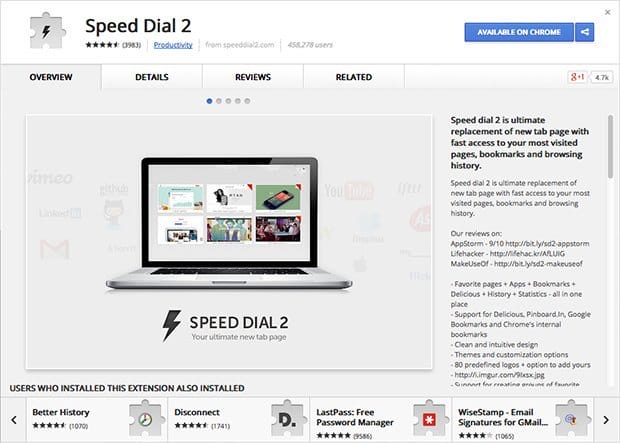
Speed Dial 2
An improved version of the Chrome start page – with unlimited bookmarks, the ability to group everything into folders and customize everything.
Lightshot
The extension makes it possible to create and edit a screenshot of the screen in the browser. The created screenshot can be saved to your computer or shared using the link received. The main disadvantage of the link is open access. If you replace one letter or number in the link, you will see a screenshot created by another person. Therefore, it is better not to use this extension to transfer personal information.
We would like to introduce you to the less popular, but no less useful applications.
In our opinion, no less interesting extensions for Google Chrome were undeservedly overshadowed.
Privacy Badger – to prevent tracking
Privacy Badger is another add-on that you must install in your browser to improve security. Its task is to block all kinds of spyware plugins. It detects commonly invisible elements, such as social media widgets or markers, that try to gather as much information about us as possible so that ad providers (and others) can select ads for us as accurately as possible.
At any time, we can see which scripts have been blocked and if they pose a serious threat to our privacy and disable them if possible. It is important to note that this is an extension to be trusted as the project is supported by the Electronic Frontier Foundation.
LastPass – for managing your passwords
A database of 10 million users makes LastPass: Free Password Manager one of the most popular extensions available on Google Chrome. This number, by the way, did not come out of nowhere, because the expansion is one of the best of its kind.
LastPass is a password manager – it allows you to keep all of your passwords in one place and then be able to seamlessly log into various internet platforms (and virtually any device). This extension is also a recommended password generator, a place to save and share notes, and a tool for automatically filling out forms. This is a good solution for people who prioritize safety.
Print Friendly & PDF – for easy printing
Print Friendly & PDF is another small but practical add-on worth adding to Chrome. It allows you to quickly and easily prepare a page for printing or saving in PDF format. It removes ads, navigation buttons and any other elements that we don't need. We can independently choose the content and materials that we want to get rid of, as well as change the size of the text – everything to make the end result satisfactory.
Minimalist for Everything
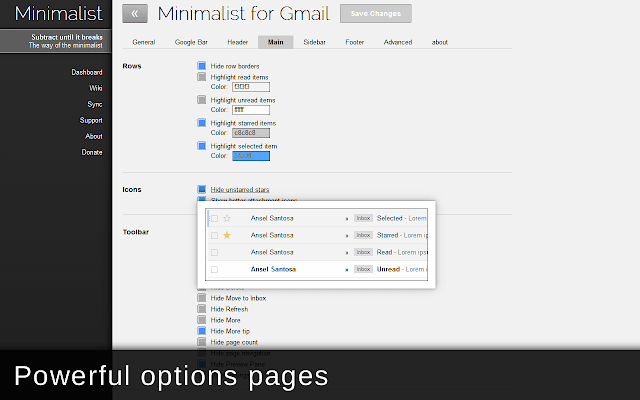
The internet is a cluttered and chaotic place filled with notifications, toolbars, and junk. Minimalist for Everything lets you get rid of all the clutter from the web and make it easier to use. The extension has many advantages. For example, you can use it to hide the Google navigation bar or make Gmail less cluttered.
Instapaper
This is a bookmarking service. With it, you can save articles that you have planned to read for a long time. After downloading the Chrome extension, you can instantly save your favorite content. They sync across all your devices.
Magic Actions
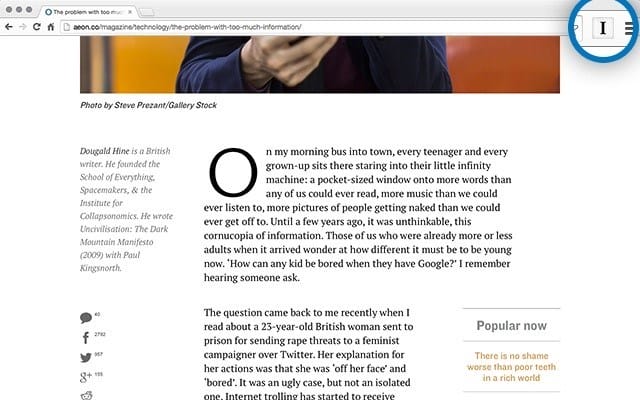
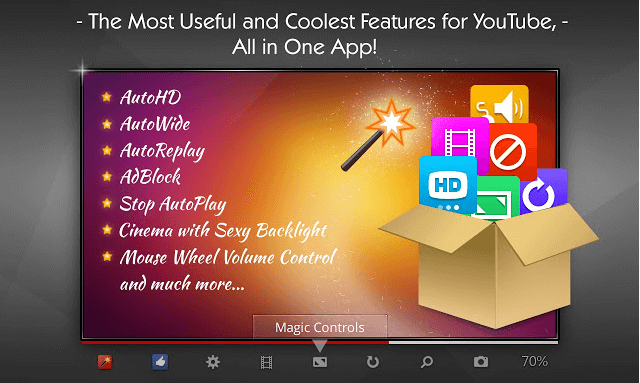
YouTube can be annoying at times, but you have the ability to make it more user-friendly with the Magic Actions extension. It will allow you to stop autoplay, set up auto-HD, switch to cinema mode, and more.
StayFocusd Application
The main function of this extension is to keep you in a working rhythm, so to speak, “focus” you on productive activities and not allow you to spend a lot of time on various sites that distract you from work. Such as social networks, online games, news sites, entertainment portals, etc., which simply kill your time. It contains a complete set of necessary functions to accomplish this task. You need to register the amount of time that you can spend on visiting “bad” sites, indicate your active days and working hours, it is at this time that the program will “force” you to work.

There is also the most needed, special function “Nuke em!”, which prohibits visiting any sites from the “black list” in the period of time you specify, in our opinion the most useful.
The add-on simplifies the management of multiple social media accounts, and continues to provide powerful tools for managing posts to Facebook, Twitter, LinkedIn, Google+, and more. It will also keep all the statistics the user needs, and analyze all the information that you publish.
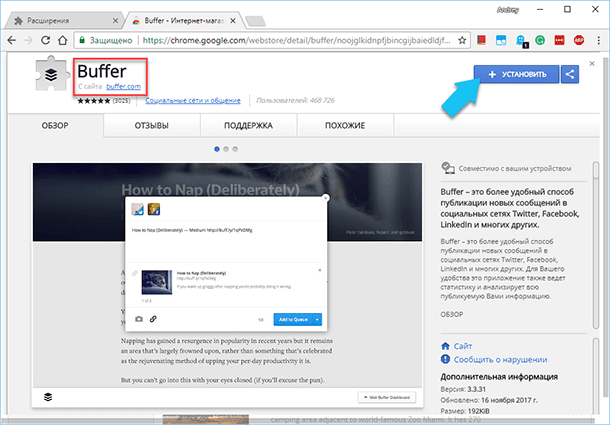
To add a new post from any page of the site, you just need to click on the “Buffer” button and select the desired text. And also, set up a convenient time for its publication, so all your “tweets and posts” will be added to the feed of your social networks throughout the day. For each published post, the application will collect and show an analysis of the statistics of views, “retweets”, “likes” and mentions on the network.
This extension integrates with Twitter, Google Reader, Facebook, Reddit and Hacker News. While reading an article, click on the “Buffer” button to share a link to it in your social media. networks. All this makes it easy to publish scheduled “tweets and posts” day after day. You can even set a specific date and time of publication for each post separately, also set the frequency of publication, let's say every 2 hours, so that your feed is constantly updated without your participation.
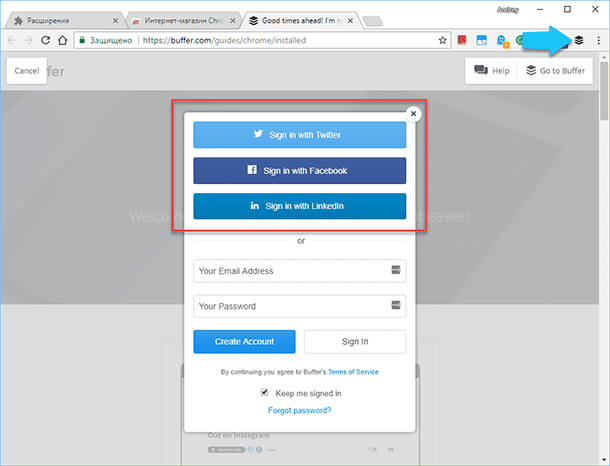
Buffer can manage multiple Twitter, Facebook and LinkedIn accounts, additional accounts can be added on the profile page on the add-on developer's site.
Remote Desktop in Chrome
For those users who hate the complexity of setting up and using standard remote desktop tools, this add-on will be simply irreplaceable. With its help, you can easily remotely control any operating system from any other OS, while the “Google Chrome” browser will allow you to perform all the necessary operations, without exception. This extension is especially useful on Chromebooks.
Add-on “Earth View” specifically for “Google Earth”
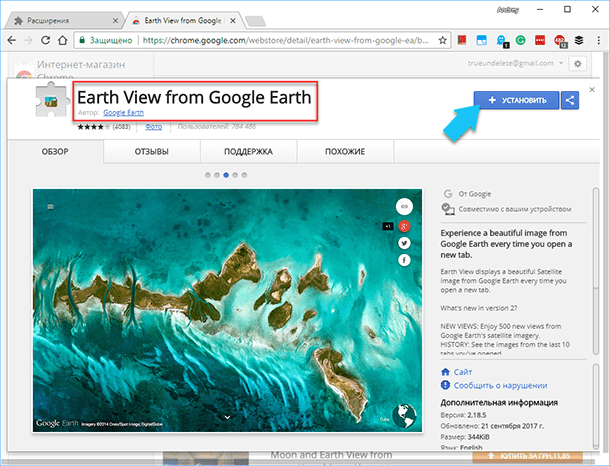
Expanding «Earth View» from the company «Google» gives access to the entire collection of images of planet Earth taken from a satellite. According to the website of the developers, more than one and a half thousand of the most beautiful photographs of the Earth's surface have been manually processed. With this application, users can view pictures and immediately find them on the world map, you can also download your favorite images and use them as wallpaper on your desktop. The add-on can be configured so that a random snapshot is displayed on each newly opened blank browser tab.
Gismeteo Weather Forecast
Convenient weather forecast – the temperature for today is displayed directly in the icon.
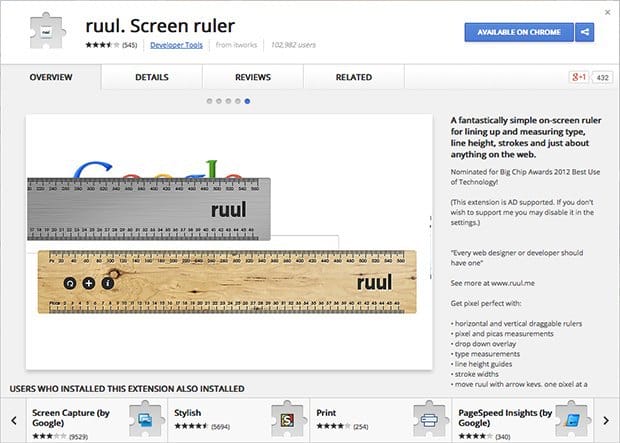
Facebook Favorite
Right-click extension saves interesting posts for future reference.
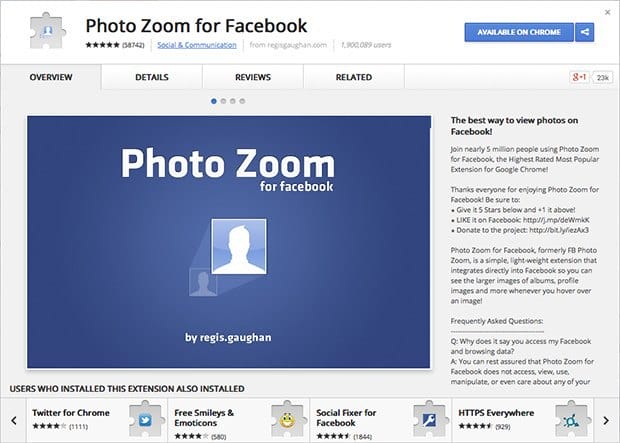
Search by Image (by Google)
An indispensable extension simplifies image search with up to 2 clicks.

Window Resizer
If you're a designer, you're most likely looking at a 27-inch iMac as you read this. However, most of our users do not have monitors the size of a small elephant.
Thus, meet Window Resizer. It really saves lives when it comes to seeing how your site looks in different viewports. Just open the extension and either click on the preset viewports or type in something custom.

Loom
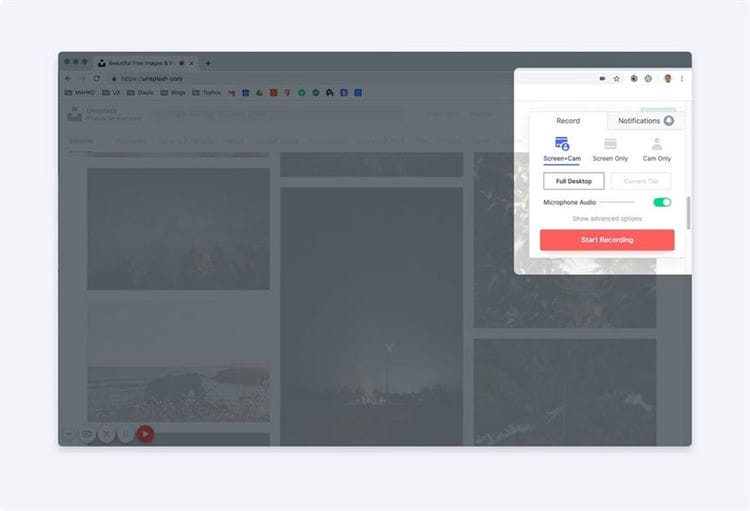
They say a picture is worth a thousand words and a video is worth 10,000? 1M? Who knows – a lot, though. Loom is a really awesome free software that can help you record animations, custom designs, or describe bugs. Share these videos with your team.
I have used this tool a lot over the past few months. This is great when you are trying to convey things that cannot be captured with just screenshots. Just install the extension and hit record. When you're done, you can share your video and get stats on who viewed it and more. App rating 10/10 would recommend to a friend – and of course to you
Toybox
Do you spend tons of time checking items, capturing screenshots, and logging errors on your site? You can solve these problems with the Toybox Chrome extension. This is really the fastest way to give feedback and check CSS right on your site.
You can think of it as commenting on InVision or Zeplin Inspecting – but on your site. Plus, when you leave a comment in this program, it automatically takes screenshots, records browser data, OS information, viewport size, and more – making diagnosing problems a breeze. This will be a huge help for any team or food agency.
Icy
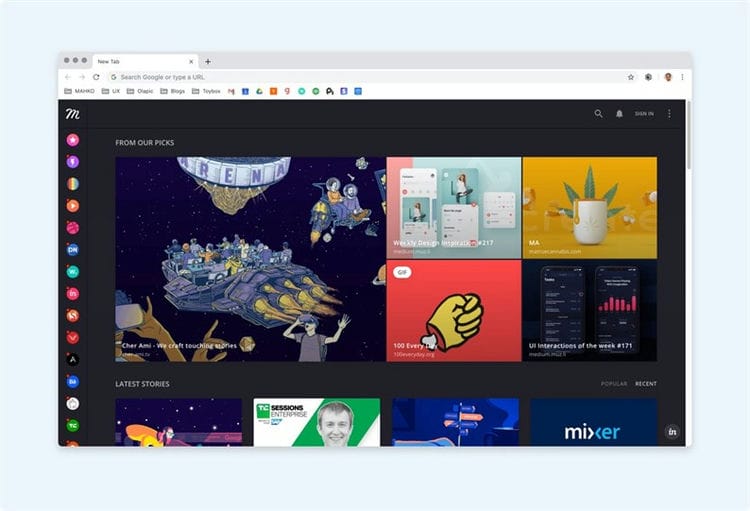
Need some inspiration with your morning coffee (or tea)? Muzli Chrome Extension will help you. Every time you open a new browser window, you will see an up-to-date feed of all the interesting things. They pull from tons of design sources to give you something new, trendy and cool.
I have been using this extension for many years and it is just great.
SVG Grabber
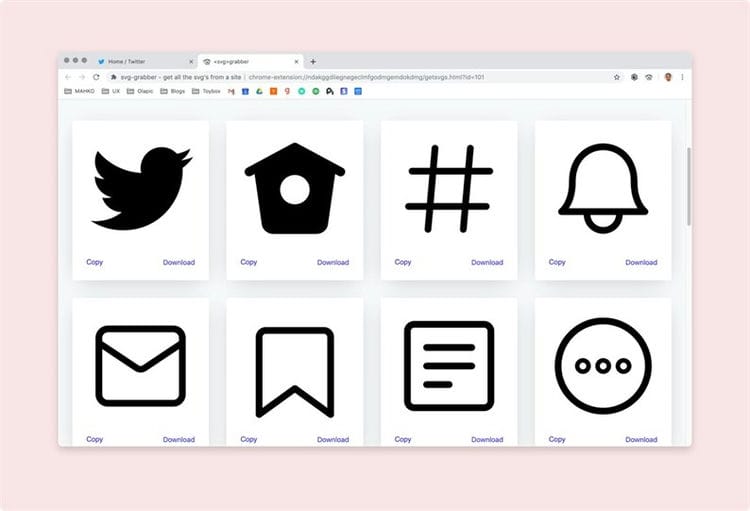
Sometimes you just need to “pull off” the logo or icons on the page. If that's what you do quite often – then try SVG Grabber in your life. Click one button and it will automatically pull out all the SVGs that are on the page. Get a complete understanding of how to quickly download what you need.
I will not say that this is the extension that I use all the time, but sometimes it helps out in difficult moments.
Sources used and useful links on the topic: https://hostiq.ua/blog/most-useful-apps-for-google/ http://www.lookatme.ru/mag/how-to/better-life/203781- chrome https://zen.yandex.ru/media/breakingwebnews/samye-populiarnye-i-luchshie-rasshireniia-dlia-chrome-v-2020-godu-top10-5ed6a3405b391c091236e599 https://www.SEOnews.ru/analytics/ 25-luchshih-rasshirenij-chrome / https://HetmanRecovery.com/ru/recovery_news/17-most-useful-add-ons-for-google-chrome-browser.htm https://habr.com/en/post / 497788 /
Post source: lastici.ru